mxm-mono-02 manual
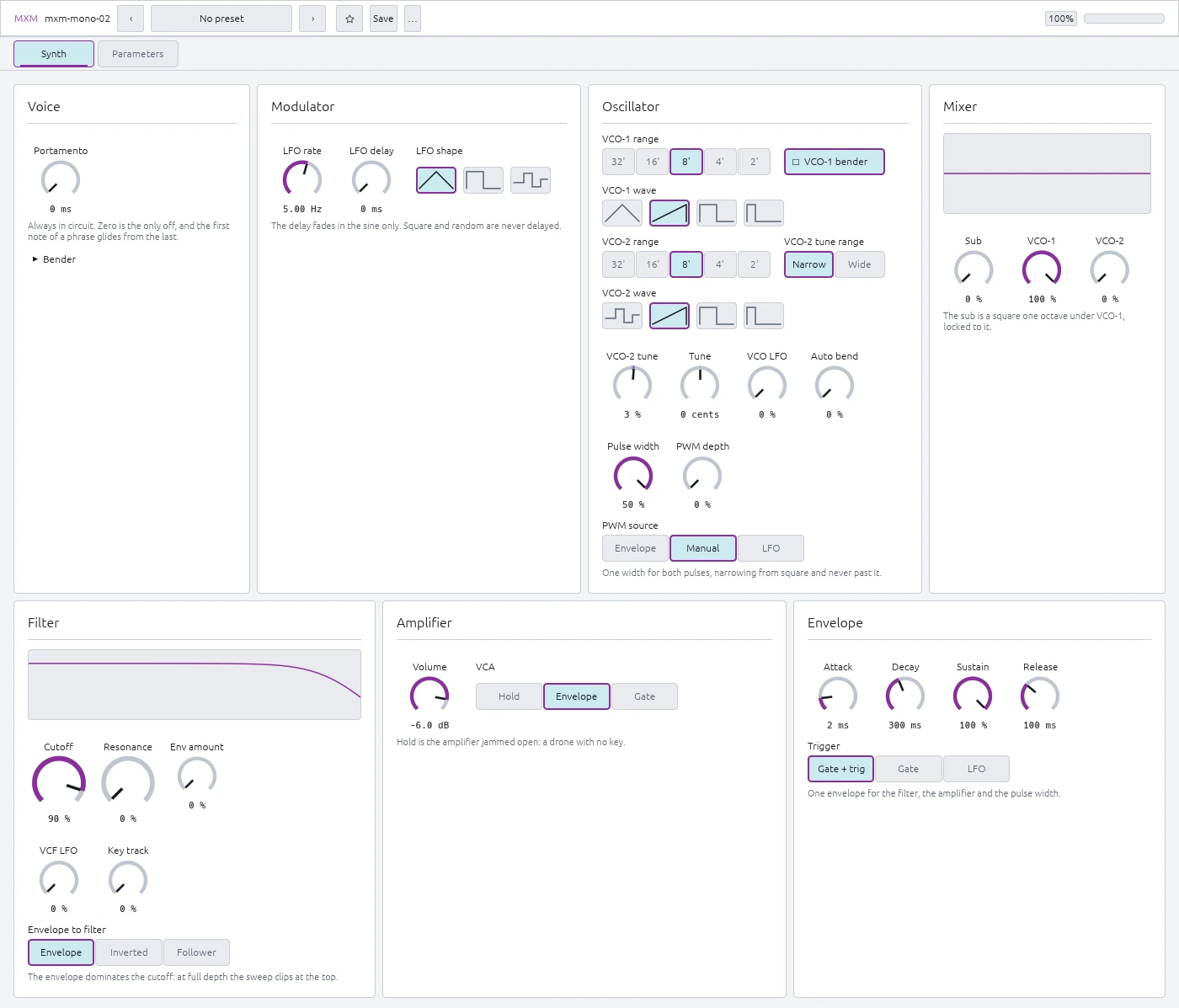
Two free-running oscillators, a locked sub, and one envelope shared by the filter, amplifier, and pulse width.
The ranges and Init values below come straight from the plugin.
Modulator
LFO rate — 0.20 … 25.00 Hz, Init 5.00 Hz
Sets the LFO speed.
LFO delay — 0 ms … 1.50 s, Init 0 ms
Sets how long the sine LFO takes to fade in after a note starts. Square and Random start immediately.
LFO shape — Sine, Square, or Random, Init Sine
Chooses the LFO waveform. Random moves in steps.
VCO LFO — 0 … 100% (0 … 7 semitones), Init 0%
Sets vibrato depth. Small values give normal vibrato; full range reaches a fifth.
Auto bend — 0 … 100% (0 … 12 semitones), Init 0%
Makes the pitch swoop into each note by up to one octave.
Pulse width
Pulse width — 5 … 50%, Init 50%
Sets the pulse duty cycle for both oscillators. 50% is square; lower values sound thinner.
PWM depth — 0 … 100%, Init 0%
Sets how far the selected PWM source moves the width.
PWM source — Envelope, Manual, or LFO, Init Manual
Chooses what moves the pulse width.
Oscillators
Tune — −200 … +200 cents, Init 0 cents
Fine-tunes the whole synth by up to two semitones.
VCO-1 range — 32’, 16’, 8’, 4’, or 2’, Init 8'
Sets VCO-1’s octave. 8’ is concert pitch.
VCO-1 wave — Sine, Sawtooth, Square, or Pulse, Init Sawtooth
Chooses VCO-1’s waveform.
VCO-1 bender — Off or On, Init On
Chooses whether pitch bend reaches VCO-1.
VCO-2 range — 32’, 16’, 8’, 4’, or 2’, Init 8'
Sets VCO-2’s octave.
VCO-2 wave — Noise, Sawtooth, Square, or Pulse, Init Sawtooth
Chooses VCO-2’s waveform. Noise replaces the sine found on VCO-1.
VCO-2 tune — −100 … +100%, Init 3%
Tunes VCO-2 against VCO-1. The range depends on VCO-2 tune range. Init is a few cents sharp, ready for a gentle beat when you raise its mixer level.
VCO-2 tune range — Narrow or Wide, Init Narrow
Sets VCO-2 Tune to ±200 cents or ±1750 cents.
Mixer
Sub — 0 … 100%, Init 0%
Level of the sub oscillator, locked one octave below VCO-1.
VCO-1 — 0 … 100%, Init 100%
VCO-1 level.
VCO-2 — 0 … 100%, Init 0%
VCO-2 level.
Filter
A resonant four-stage OTA low-pass. The bass gets thinner as resonance rises.
Cutoff — 0 … 100% (10 Hz … 20 kHz), Init 90%
Sets the filter frequency across an eleven-octave range.
Resonance — 0 … 100%, Init 0%
Sets filter feedback. It self-oscillates in the top fifth of the control.
Envelope to filter — Envelope, Inverted, or Follower, Init Envelope
Envelope follows the ADSR. Inverted moves in the other direction. Follower tracks the level of the synth’s own signal.
Env amount — 0 … 100% (0 … 10 octaves), Init 0%
Sets filter modulation depth. Follower mode uses a five-octave range.
VCF LFO — 0 … 100% (0 … 4 octaves), Init 0%
Sets how far the LFO moves the cutoff.
Key track — 0 … 100% (0 … 1.2:1), Init 0%
Makes higher notes raise the cutoff. At 100%, one keyboard octave moves the filter by 1.2 octaves. The pivot is middle C.
Envelope
One ADSR can control the filter, amplifier, and pulse width.
Attack — 1 ms … 2.50 s, Init 2 ms
Time to reach full level.
Decay — 2 ms … 10.00 s, Init 300 ms
Time to fall from full level to Sustain.
Sustain — 0 … 100%, Init 100%
Level held while a note is down.
Release — 2 ms … 10.00 s, Init 100 ms
Time to fade after the note is released.
Trigger — Gate + trig, Gate, or LFO, Init Gate + trig
Gate + trig restarts on every note. Gate lets overlapping notes share one envelope. LFO retriggers while a key is held.
Amplifier
VCA — Hold, Envelope, or Gate, Init Envelope
Envelope uses the ADSR for volume. Gate stays open while a key is down. Hold leaves the amplifier open for drones; All Sound Off closes it.
Volume — −60.0 … 0.0 dB, Init −6.0 dB
Sets the output level.
Voice
Portamento — 0 ms … 5.00 s, Init 0 ms
Sets glide time. The keyboard uses low-note priority.
Bend range — 0 … 24 st, Init 2 st
Sets the pitch-bend range in semitones.
Bend to filter — 0 … 100% (up to 1:1), Init 0%
Makes pitch bend open the filter too. At full depth, one octave of bend moves the cutoff by one octave.
Parameters view
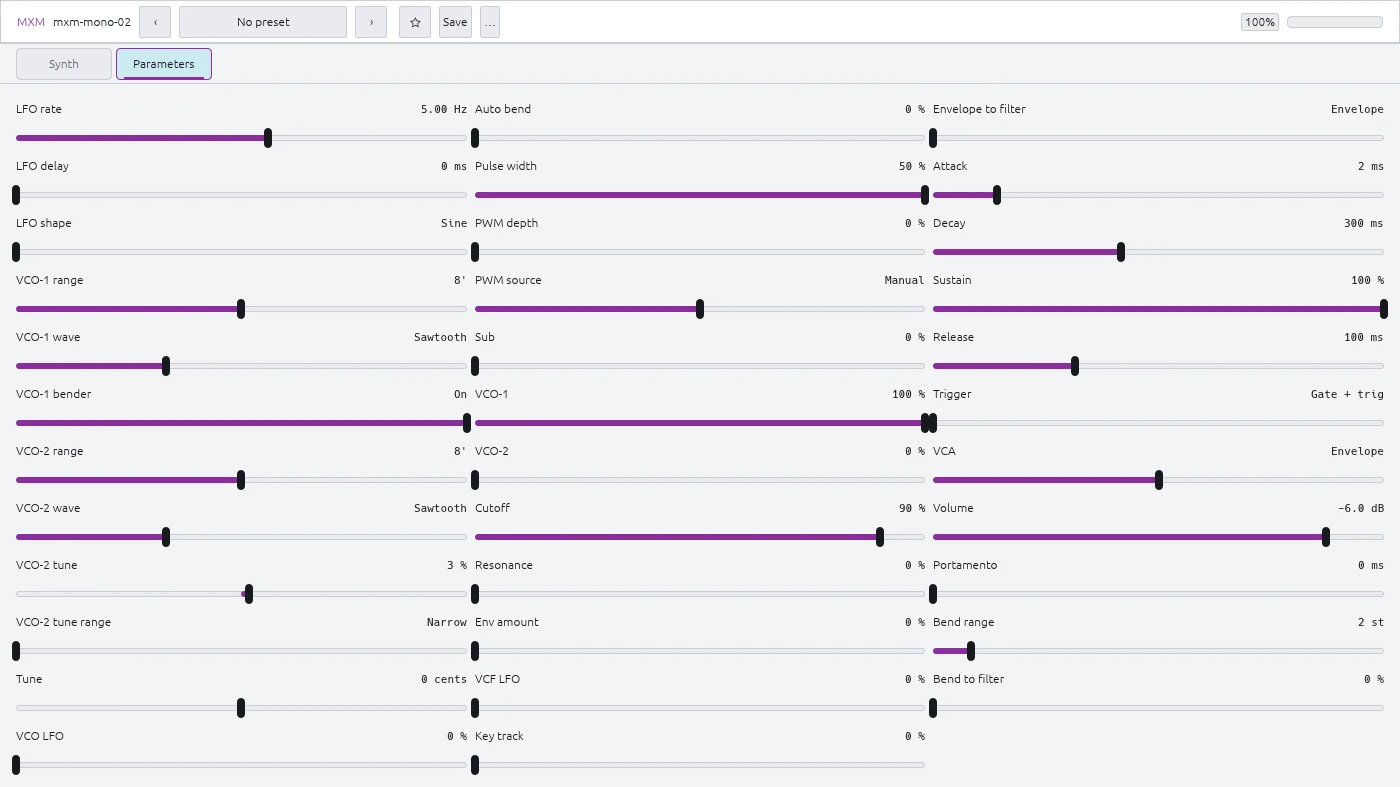
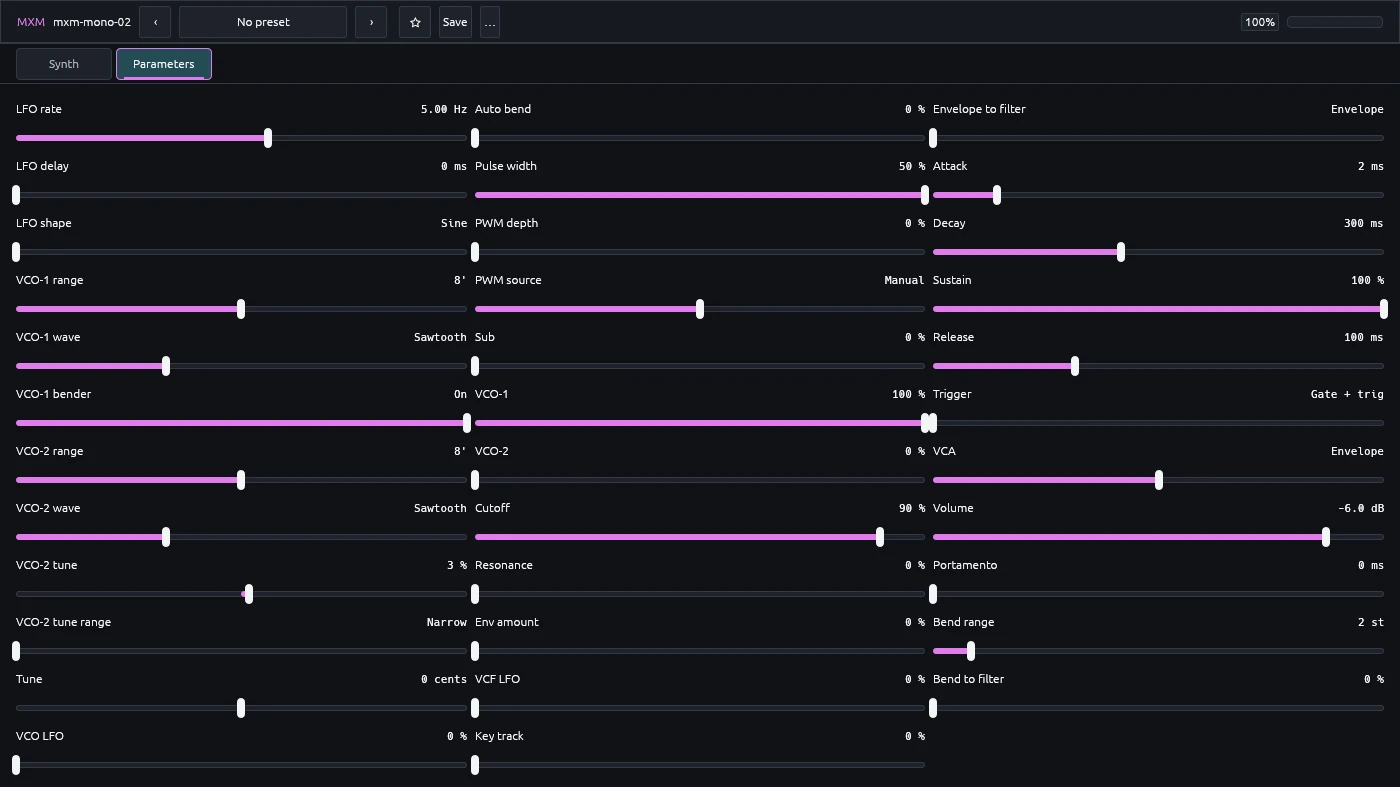
The Parameters view puts all 35 controls on one page with sliders and exact text entry.